How to Automate Tax Preparation for Your Business and Reduce Compliance Risk
Learn how tax preparation automation keeps your business compliant year-round, reduces CPA costs, and eliminates the stress of last-minute tax scrambles.
What Is Tax Preparation Automation?
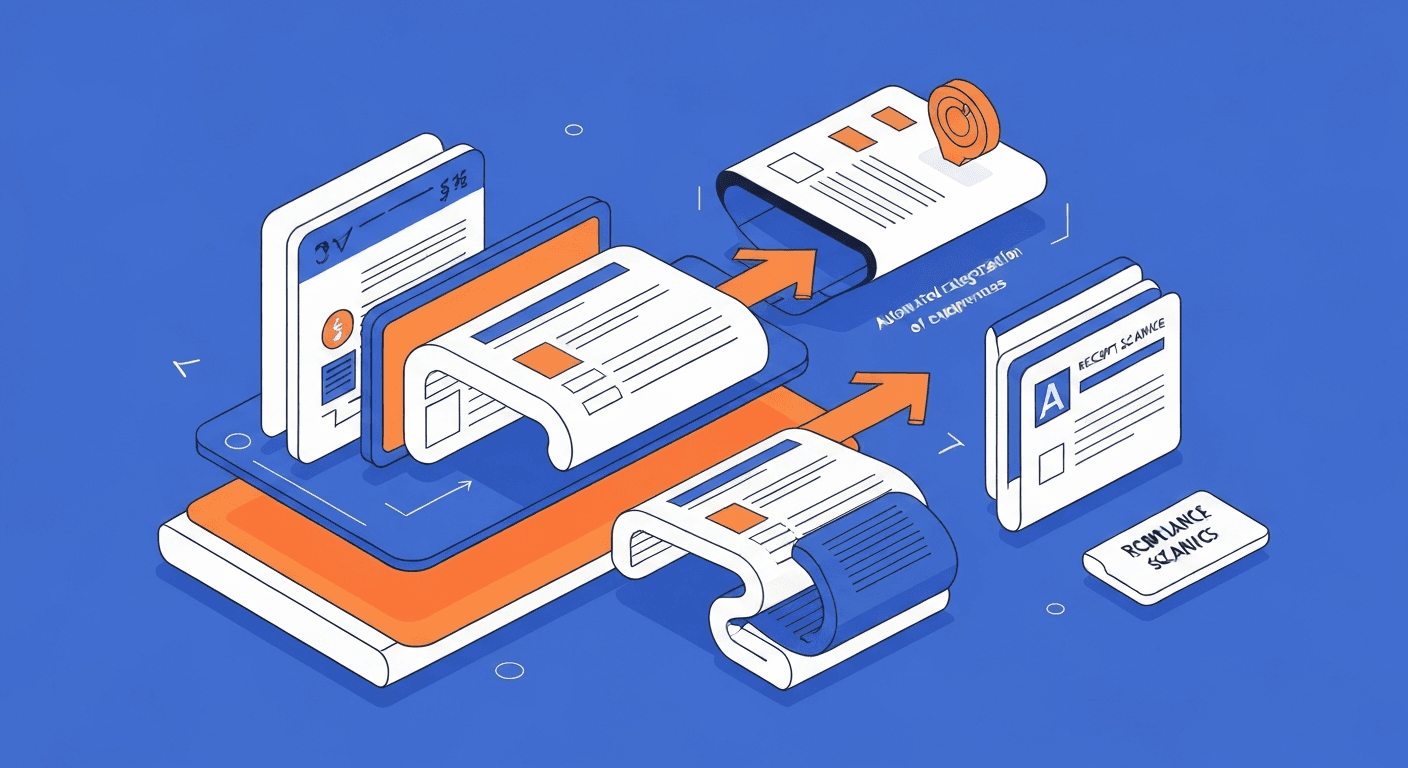
Tax preparation automation is the use of software to continuously organize, categorize, and prepare your business financial data so that when tax deadlines arrive, the information needed for accurate filing is already compiled, reconciled, and ready. Instead of a frantic end-of-year scramble to gather receipts, reconcile bank statements, classify expenses, and organize documents for your CPA, automated tax preparation works in the background throughout the year.
A modern tax preparation automation system handles several critical tasks: it categorizes transactions against tax-relevant categories as they occur, tracks deductible expenses in real time, maintains digital records of receipts and supporting documentation, estimates quarterly tax obligations based on current income and deductions, monitors compliance deadlines and sends alerts, and generates the organized data packages that your tax preparer or filing software needs to complete your returns accurately.
The goal is not to replace your accountant or CPA. It is to ensure that when your tax professional sits down to prepare your return, they have clean, organized, complete data rather than a shoebox of receipts and a set of unreconciled books. This reduces their billable hours, your tax preparation costs, and the risk of missed deductions or filing errors.
Why Is Manual Tax Preparation So Painful for Businesses?
Most small business owners have experienced the annual tax preparation nightmare. The problems are predictable and preventable with the right systems.
- Missing documentation is the number one issue. The IRS requires substantiation for business expense deductions. A missing receipt for a $500 business dinner is not just an inconvenience; it is a $500 deduction you cannot defend in an audit. Over the course of a year, lost documentation can cost thousands in foregone deductions.
- Inconsistent expense categorization inflates CPA costs. When transactions are categorized inconsistently throughout the year (sometimes "office supplies" and sometimes "miscellaneous"), your CPA has to spend billable hours cleaning up your books before they can even start on the return. At $150 to $400 per hour, this adds up quickly.
- Quarterly estimated tax payments are guesswork. Without real-time visibility into taxable income, businesses either overpay estimated taxes (giving the government an interest-free loan) or underpay (triggering underpayment penalties). The IRS charges underpayment penalties when businesses owe more than $1,000 at filing time.
- Year-end adjustments are rushed and error-prone. Depreciation schedules, prepaid expense allocations, accrual adjustments, and other year-end entries often get rushed because the books were not maintained throughout the year. This leads to errors that either increase tax liability or create audit risk.
- Multi-state and multi-entity complexity compounds. Businesses operating in multiple states or through multiple legal entities face an exponential increase in filing requirements. Manual tracking of nexus obligations, apportionment factors, and entity-level income allocation is unreliable at scale.
How Does Tax Preparation Automation Work?
Automated tax preparation is not a single tool but a system of connected processes that maintain tax readiness throughout the year.
Continuous Transaction Categorization
When connected to your bank accounts and credit cards, automation software categorizes each transaction against your tax-relevant chart of accounts as it occurs. Machine learning improves categorization accuracy over time by learning from your corrections. A recurring charge at a software vendor automatically goes to "Software Subscriptions" rather than sitting uncategorized until year-end.
This integrates naturally with automated expense tracking, which handles the real-time capture and categorization of business spending.
Receipt and Document Management
Modern tax automation platforms use OCR (optical character recognition) to extract data from receipts, invoices, and other documents. When you snap a photo of a receipt with your phone, the system reads the vendor name, date, amount, and tax-relevant details, then attaches the digital receipt to the corresponding transaction in your books.
This creates the audit-ready documentation trail that the IRS requires, without file cabinets, envelopes, or end-of-year receipt sorting sessions.
Deduction Tracking and Optimization
The software continuously identifies and tracks deductible expenses across all categories:
- Vehicle expenses. Mileage tracking apps connected to your tax system automatically log business miles and calculate the deduction using the current IRS standard mileage rate.
- Home office deduction. For businesses with home offices, the system tracks the percentage of home expenses (rent, utilities, insurance) that qualify for the deduction.
- Depreciation. Fixed asset registers automatically calculate depreciation for each asset using the correct method (straight-line, MACRS, Section 179, bonus depreciation) and generate the depreciation schedules needed for the return.
- Business meals. The current 50% deduction for business meals is tracked automatically when meal expenses are categorized correctly.
- Retirement contributions. SEP IRA, SIMPLE IRA, and solo 401(k) contributions are tracked and the maximum allowable deduction is calculated based on current income.
Quarterly Estimated Tax Calculation
Based on your year-to-date income and deductions, the system estimates your annual tax liability and calculates the quarterly estimated payments needed to avoid underpayment penalties. It sends reminders before each quarterly deadline (April 15, June 15, September 15, January 15) with the recommended payment amount.
Year-End Report Generation
When tax season arrives, the system generates comprehensive reports organized for your tax preparer:
- Profit and loss statement by tax category
- Balance sheet with supporting schedules
- Depreciation schedules with current-year expense calculations
- Vehicle mileage logs with business use percentage
- Charitable contribution summary
- Health insurance premium records
- Retirement contribution totals
- 1099 information for contractors paid during the year
- State-by-state income allocation (for multi-state businesses)
What Are the Best Tax Preparation Automation Tools?
The right tool depends on whether you prepare returns yourself, work with a CPA, or use a hybrid approach.
For Self-Filing Small Businesses
- TurboTax Business. The most widely used self-filing software for small businesses. It imports data from QuickBooks, and its interview-style workflow guides you through each section of the return. Strong for sole proprietors, partnerships, and S-corps with straightforward tax situations.
- TaxAct. A more affordable alternative to TurboTax with solid coverage of business entity types. Less polished but functionally similar for most small business returns.
- FreeTaxUSA. Surprisingly capable free filing software that supports business income, deductions, and depreciation. Best for very simple business returns.
For Bookkeeping and Tax Readiness Automation
- Bench. An automated bookkeeping service that combines software with human bookkeepers. Your books are maintained throughout the year, and at year-end, Bench generates a tax-ready financial package for your CPA. Plans start around $299/month.
- Pilot. Similar to Bench but aimed at startups and tech companies. Provides monthly bookkeeping, tax preparation, and CFO services. Pricing is higher but includes more strategic advisory.
- Botkeeper. Uses AI-assisted bookkeeping to maintain your books in QuickBooks or Xero throughout the year, ensuring they are always tax-ready. Primarily serves accounting firms rather than businesses directly.
For CPA Firms and Tax Professionals
- Intuit ProConnect Tax Online. Cloud-based professional tax preparation software with direct integration to QuickBooks. Supports individual, business, and trust returns.
- Drake Tax. Popular among small to mid-size CPA firms for its speed and completeness. Handles all entity types and all 50 states.
- Wolters Kluwer CCH Axcess. Enterprise-grade tax preparation and compliance platform for larger firms managing complex client engagements.
For Ongoing Compliance Monitoring
- Avalara. Specializes in sales tax compliance automation. If your business has nexus in multiple states, Avalara automatically calculates, collects, and files sales tax returns in every jurisdiction where you have an obligation.
- Sovos. Handles broader tax compliance including 1099 reporting, sales tax, and international VAT. Best for businesses with complex compliance requirements.
How Do You Implement Tax Preparation Automation Step by Step?
Step 1: Clean Up Your Books
Before automating tax preparation, your underlying bookkeeping must be accurate. This means:
- Reconciling all bank accounts and credit cards through the current month
- Reviewing and correcting transaction categorization
- Updating your chart of accounts to align with tax reporting categories
- Recording all outstanding journal entries and adjustments
If your books are significantly behind, consider hiring a bookkeeper for a one-time cleanup before implementing automation.
Step 2: Connect Your Financial Accounts
Link your business bank accounts, credit cards, and payment processors (PayPal, Stripe, Square) to your accounting software. This ensures that all transactions are captured automatically rather than relying on manual entry.
Step 3: Set Up Categorization Rules
Configure rules that automatically categorize recurring transactions. For example:
- All charges from "Amazon Web Services" go to "Cloud Hosting Expenses"
- All charges from "Chevron" or "Shell" go to "Vehicle Fuel"
- All deposits from "Stripe" go to "Product Revenue"
Review and refine these rules monthly until the system's automatic categorization reaches 90% or better accuracy.
Step 4: Implement Receipt Capture
Choose a receipt capture method and make it habitual:
- Mobile app scanning for in-person purchases
- Email forwarding for digital receipts (many platforms provide a dedicated email address you can forward receipts to)
- Bank feed matching for transactions that have sufficient detail without a separate receipt
Step 5: Configure Quarterly Tax Estimates
Set up your tax automation tool to calculate estimated tax payments based on current income. Review the estimates at the start of each quarter and adjust if your business has experienced significant changes in revenue or expenses.
Step 6: Schedule Monthly Reviews
Even with automation, a human should review the books monthly. Spend 30 minutes checking:
- Uncategorized transactions
- Unusual amounts or vendors
- Missing receipts
- Bank reconciliation status
- Year-to-date income vs. projections
This monthly discipline ensures that your automated system stays on track and that year-end preparation truly is a non-event.
What Tax Deductions Do Businesses Commonly Miss?
Even with good automation, awareness of available deductions matters. Here are deductions that small businesses frequently overlook:
- Qualified Business Income (QBI) deduction. Pass-through entities (sole props, partnerships, S-corps) may deduct up to 20% of qualified business income under Section 199A. This requires proper entity structuring and income tracking.
- Research and development credits. Startups and technology companies often qualify for the R&D tax credit but do not claim it because they do not track qualifying activities. Automation can help by tagging R&D-eligible expenses as they occur.
- Health insurance premiums. Self-employed individuals can deduct 100% of health insurance premiums for themselves and their families above the line, directly reducing adjusted gross income.
- Retirement plan contributions. SEP IRA contributions of up to 25% of net self-employment income (up to $69,000 in 2024) are fully deductible and often under-contributed because owners do not calculate the maximum.
- Education and training. Courses, certifications, conferences, and subscriptions that maintain or improve business skills are deductible.
- Business use of home. The simplified method allows a deduction of $5 per square foot up to 300 square feet ($1,500 maximum), but the regular method often yields a larger deduction for those with higher housing costs.
How Does Tax Automation Connect to Your Overall Finance Stack?
Tax preparation automation is most effective when it is part of an integrated financial system rather than a standalone tool. The key connections include:
- Accounting software as the central ledger that feeds all tax calculations
- Automated invoicing ensuring all revenue is recorded and categorized correctly
- Expense tracking capturing and categorizing every deductible expense in real time
- Payroll automation maintaining accurate wage, withholding, and employer tax records
- Financial reporting providing the real-time income visibility needed for accurate quarterly estimates
- Budgeting and forecasting incorporating tax obligations into cash flow projections
When all of these systems are connected, tax preparation becomes a byproduct of well-maintained books rather than a separate annual project. Your CPA receives clean, organized data. Your returns are filed accurately and on time. And you pay exactly what you owe, not a dollar more or less.
Is Tax Preparation Automation Worth It?
The return on investment for tax preparation automation comes from three sources:
- Reduced CPA fees. When your books are clean and organized year-round, your CPA spends less time on cleanup and more time on strategic tax planning. Businesses commonly report 20 to 40% reductions in annual tax preparation fees.
- Captured deductions. Better tracking means fewer missed deductions. Even capturing one or two previously missed deductions can save more than the annual cost of the automation tools.
- Avoided penalties. Timely and accurate quarterly estimated payments, payroll tax deposits, and annual filings eliminate the penalty and interest charges that plague businesses with manual processes.
For most small businesses, the combined savings from reduced professional fees, captured deductions, and avoided penalties exceed the cost of automation tools within the first tax year. The reduction in stress and time spent on tax-related tasks is an additional benefit that is harder to quantify but universally appreciated by business owners who make the switch.
Harry Harrison
Founder & Editor, Easy Automation
Tech-forward B2B writer and content strategist focused on marketing and finance automation.