Accounts Payable Automation: A Complete Guide to Streamlining AP Workflows
Discover how accounts payable automation reduces manual data entry, prevents duplicate payments, and speeds up invoice processing for businesses of all sizes.
What Is Accounts Payable Automation?
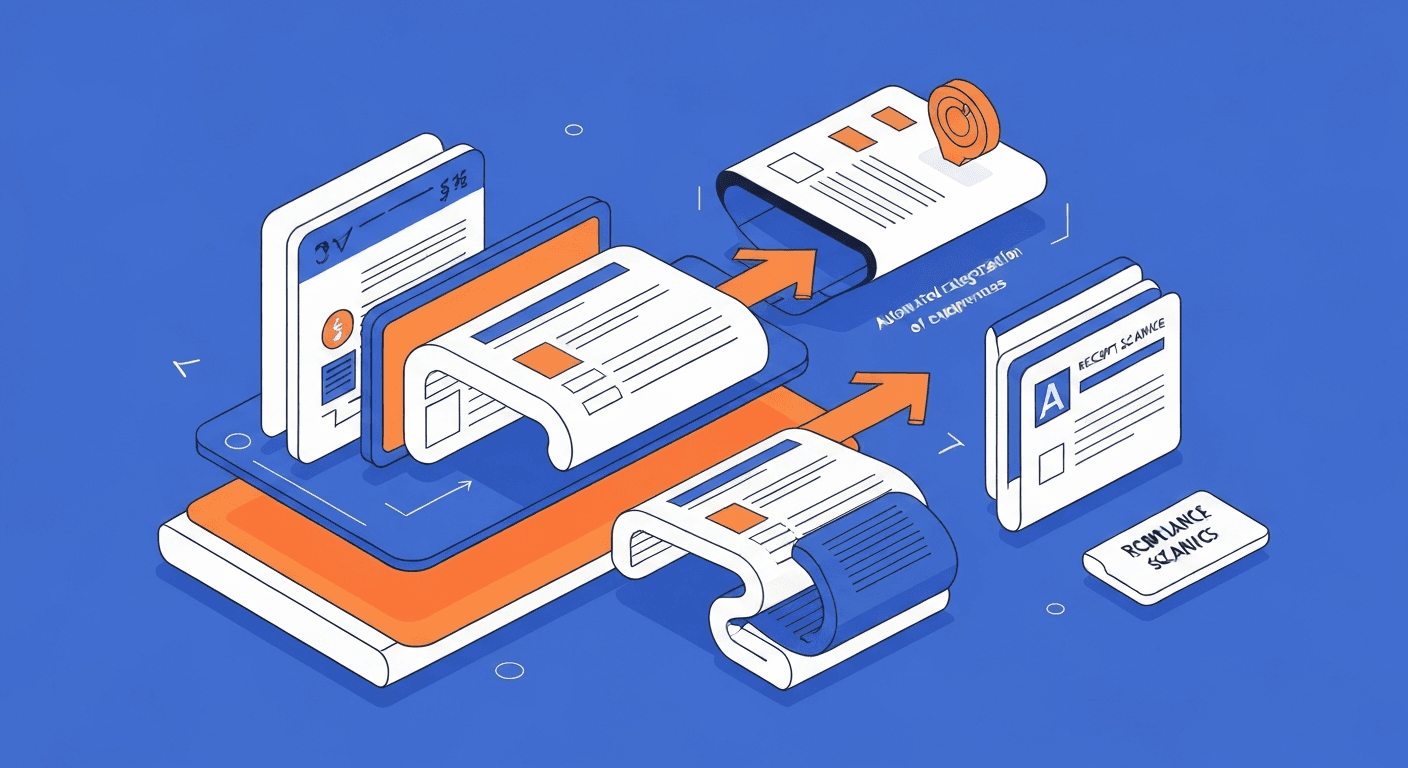
Accounts payable automation is the use of technology to handle the end-to-end process of receiving, processing, approving, and paying vendor invoices without relying on manual data entry and paper-based workflows. Instead of an AP clerk physically opening envelopes, keying invoice data into a spreadsheet, routing paper for signatures, and cutting checks, automated systems handle these steps digitally with minimal human intervention.
A modern AP automation solution typically includes invoice capture (using OCR or AI to extract data from invoices), automatic matching (comparing invoices against purchase orders and receiving documents), digital approval routing (sending invoices to the right approvers based on predefined rules), and payment execution (processing payments via ACH, virtual card, or wire transfer on the scheduled date). On the receivables side, automated invoicing handles the mirror-image problem of getting paid faster.
The goal is not to eliminate the AP team but to free them from repetitive, error-prone tasks so they can focus on exception handling, vendor relationship management, and strategic cash flow planning.
Why Should You Automate Accounts Payable?
Manual AP processes are surprisingly expensive. Industry research shows that the average cost to process a single invoice manually ranges from $12 to $30 when you factor in labor time, printing, postage, storage, and error correction. Organizations processing thousands of invoices monthly are spending a significant portion of their AP budget on tasks a machine can do faster and more accurately.
Beyond direct cost savings, AP automation delivers these benefits:
- Faster invoice processing. Manual processing averages 10 to 15 days per invoice. Automated systems can reduce this to 3 to 5 days or less, depending on complexity.
- Fewer errors. Manual data entry has an error rate of roughly 1-3%. OCR and AI-powered extraction dramatically reduce keying mistakes, duplicate entries, and mismatched amounts.
- Better vendor relationships. Paying on time (or early enough to capture discounts) keeps vendors happy and can meaningfully reduce costs. Late payments damage trust and can result in supply disruptions.
- Stronger compliance and audit trails. Every invoice, approval, and payment is logged digitally with timestamps and user attribution. This makes audits straightforward instead of stressful.
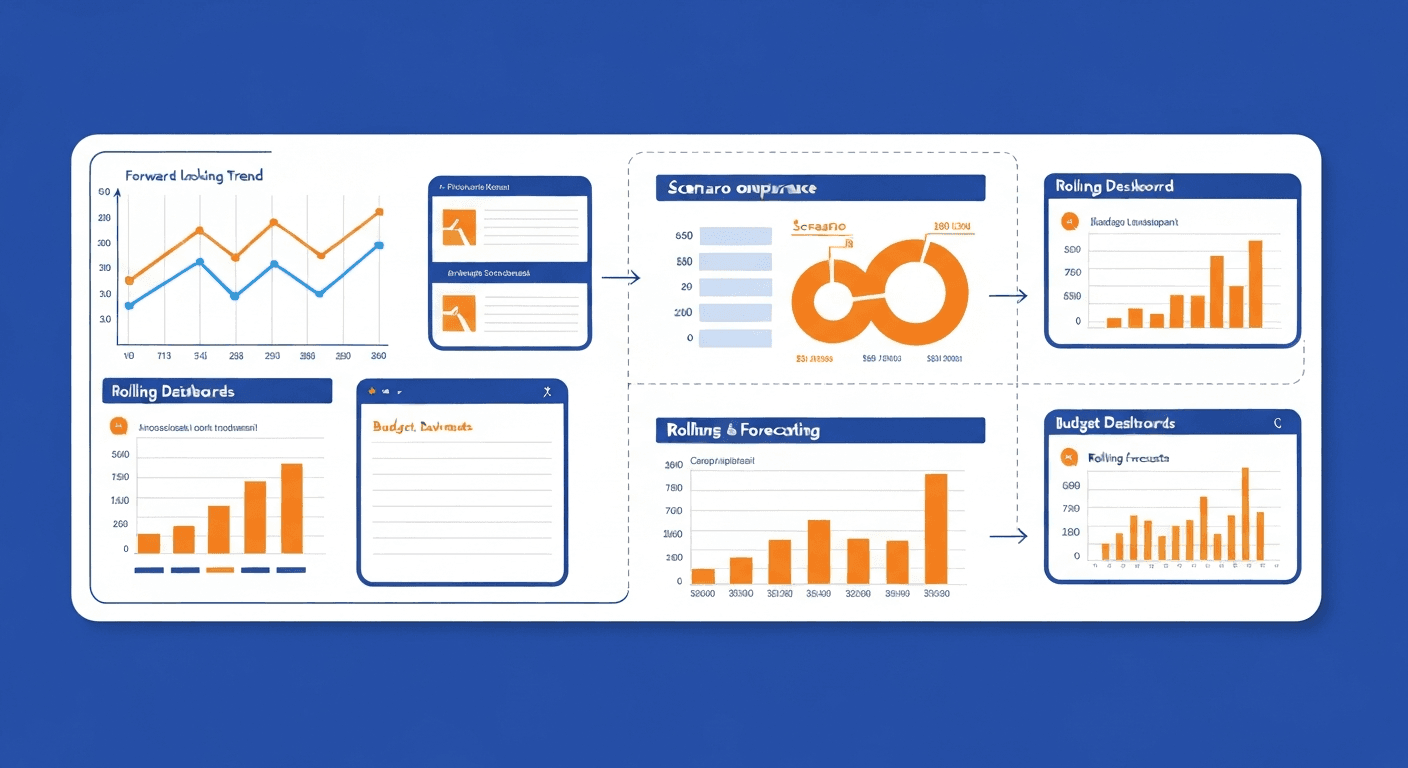
- Improved cash flow visibility. When you know exactly what is owed and when, you can manage cash flow proactively instead of reactively scrambling to cover unexpected payables. This visibility compounds when paired with budgeting and forecasting automation.
- Reduced fraud risk. Automated three-way matching (invoice vs. purchase order vs. goods receipt) catches discrepancies that manual review often misses. Duplicate payment detection prevents the same invoice from being paid twice.
How Does the Accounts Payable Automation Process Work?
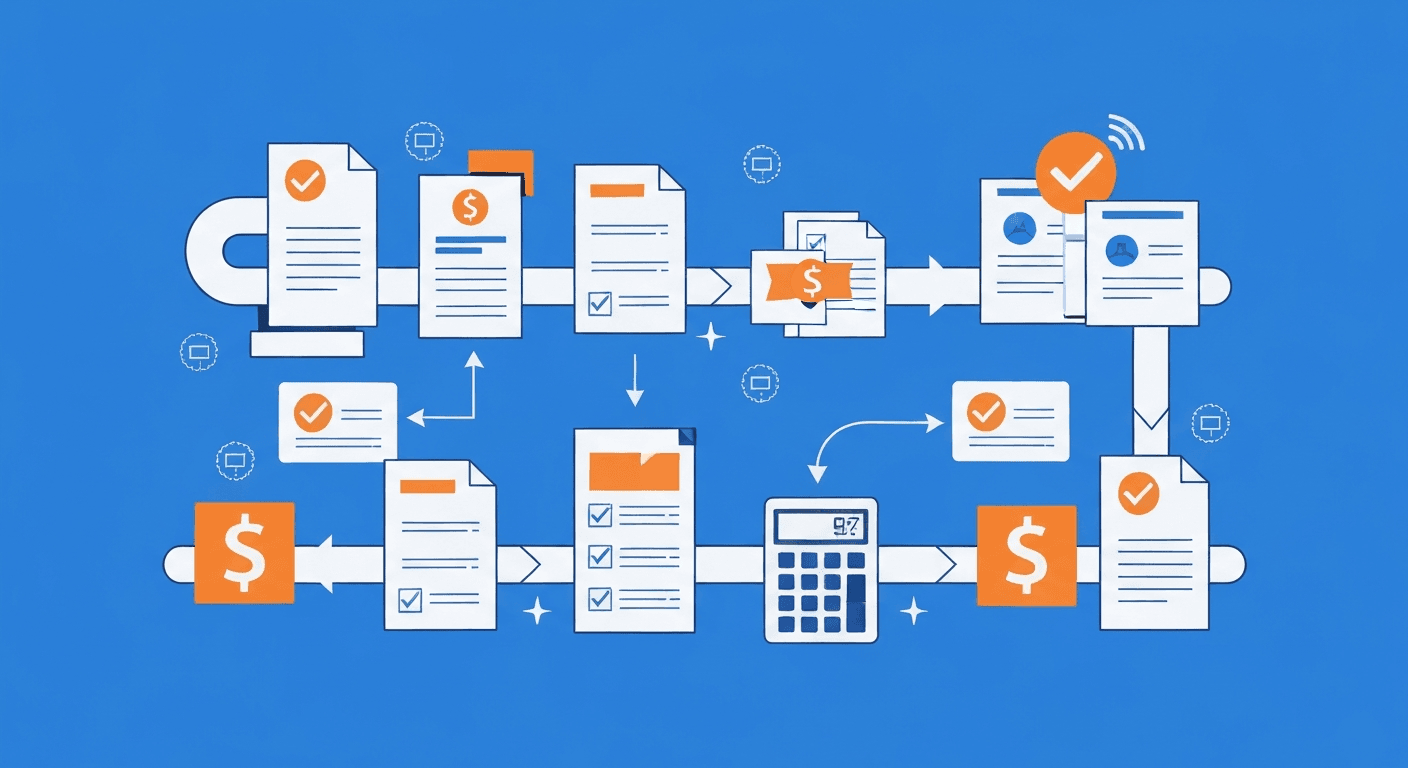
A fully automated AP workflow follows these stages:
Stage 1: Invoice Capture and Data Extraction
Invoices arrive via email, supplier portal, electronic data interchange (EDI), or even physical mail. The automation system ingests these invoices and uses optical character recognition (OCR) combined with AI to extract key data fields:
- Vendor name and address
- Invoice number and date
- Line item descriptions and quantities
- Unit prices and total amount
- Payment terms (Net 30, Net 60, etc.)
- Purchase order reference number
Modern OCR engines powered by machine learning achieve accuracy rates above 95% on structured invoices and continue to improve as they process more documents. For invoices that the system cannot parse with high confidence, exceptions are flagged for human review.
Stage 2: Validation and Matching
Once data is extracted, the system validates the invoice against existing records:
- Two-way matching compares the invoice against the corresponding purchase order to verify that quantities and prices align.
- Three-way matching adds a third check against the goods receipt or delivery confirmation to ensure that what was ordered, what was delivered, and what is being billed all match.
- Duplicate detection scans for invoices with the same number, amount, or vendor that have already been processed.
Invoices that pass validation automatically move to the approval stage. Those with discrepancies are flagged and routed to the appropriate person for resolution.
Stage 3: Approval Routing
The system routes invoices through a predefined approval workflow based on rules such as:
- Amount thresholds: Invoices under $1,000 might only need department manager approval, while those over $10,000 require VP sign-off.
- Department or cost center: The invoice is routed to the budget owner for the relevant department.
- Vendor category: Strategic vendors might have different approval requirements than one-time suppliers.
- Escalation rules: If an approver does not act within a defined timeframe (for example, 48 hours), the system automatically escalates to a backup approver or their manager.
Approvers receive notifications via email or mobile app, review the invoice and supporting documents, and approve or reject with a single click. No paper chasing, no lost invoices sitting on someone's desk.
Stage 4: Payment Execution
After approval, the invoice is scheduled for payment based on the vendor's payment terms and your organization's cash flow strategy. The system can:
- Batch payments to optimize processing efficiency
- Select the optimal payment method (ACH for domestic, wire for international, virtual card for rebate-eligible vendors)
- Capture early payment discounts by flagging invoices eligible for terms like 2/10 Net 30
- Generate remittance advice and send it to vendors automatically
Stage 5: Reconciliation and Reporting
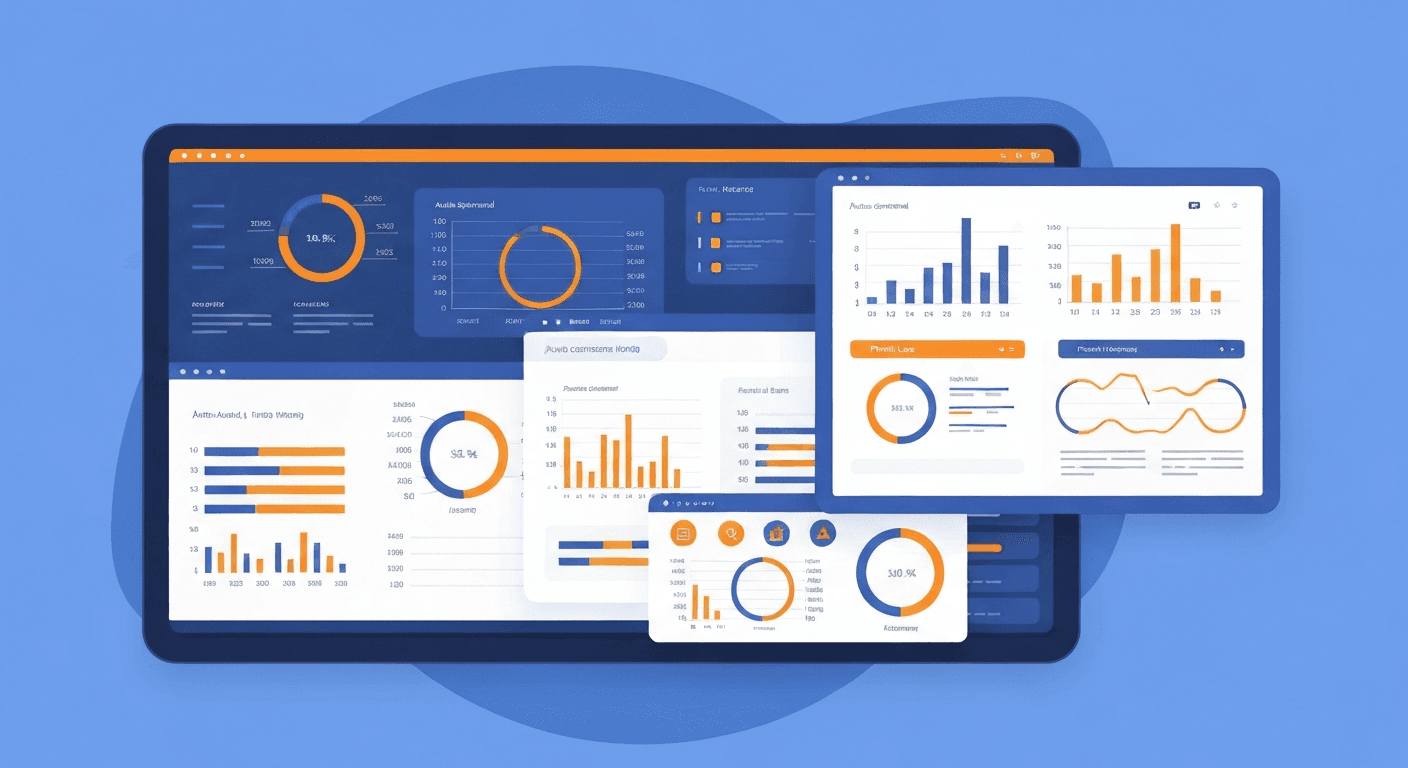
Every transaction is recorded in your general ledger automatically, feeding straight into automated financial reporting. The system produces reports on:
- Invoice processing time and volume
- Early payment discount capture rate
- Exception and error rates
- Aging analysis of outstanding payables
- Vendor payment history and terms compliance
What Tools Are Available for AP Automation?
The market offers solutions for organizations of every size:
- Bill.com: A popular choice for small to mid-sized businesses. It handles invoice capture, approval workflows, and payment execution with a clean, intuitive interface. Integrates with QuickBooks, Xero, and NetSuite.
- Tipalti: Designed for mid-market and enterprise companies with high invoice volumes and international payment needs. Offers strong multi-currency and tax compliance features.
- SAP Concur Invoice: Enterprise-grade solution that integrates deeply with SAP ecosystems. Handles complex approval hierarchies and multi-entity organizations.
- AvidXchange: Focuses on mid-market companies and offers industry-specific solutions for real estate, construction, and financial services.
- Stampli: Differentiates through an AI-powered assistant called Billy that learns your coding patterns and automates GL coding over time.
- Melio: A straightforward, free-to-start option for small businesses that want to digitize payments without a complex implementation. Many of these tools also overlap with automated expense tracking — useful if you want a single vendor for both workflows.
When evaluating tools, prioritize integration with your existing accounting software, ease of use for approvers, quality of OCR and data extraction, and the vendor's payment network capabilities.
How Do You Implement AP Automation Successfully?
Implementation does not have to be a massive project. Follow this phased approach:
Phase 1: Process Mapping (Week 1-2)
Document your current AP workflow from invoice receipt to payment. Identify:
- Who handles each step today
- Where bottlenecks occur (approvals stalling, data entry backlogs)
- What your current error and exception rates look like
- Which vendors send the most invoices
- What payment methods you use and their associated costs
This baseline gives you clear metrics to measure improvement against.
Phase 2: Tool Selection and Configuration (Week 3-4)
Based on your process map, select a tool that fits your volume, complexity, and budget. During configuration:
- Set up your chart of accounts and cost center structure
- Define approval workflows and threshold rules
- Configure vendor master data
- Establish integration connections with your accounting software and bank
- Set up user roles and permissions
Phase 3: Pilot With a Subset of Vendors (Week 5-8)
Start with your top 10-20 vendors by invoice volume. Route their invoices through the automated system while continuing manual processing for the rest. This lets you:
- Validate OCR accuracy on real invoices
- Test approval workflows with actual approvers
- Identify integration issues with your accounting software
- Train your team on the new system in a low-risk environment
Phase 4: Full Rollout and Optimization (Week 9+)
Once the pilot proves successful, migrate remaining vendors to the automated system. Monitor key metrics weekly for the first month, then monthly:
- Average invoice processing time
- Exception rate (percentage of invoices requiring manual intervention)
- Early payment discount capture rate
- User adoption (are approvers using the system or working around it?)
What Common Mistakes Should You Avoid?
Organizations that struggle with AP automation usually fall into one of these traps:
- Automating a broken process. If your approval hierarchy has eight levels and takes three weeks, automating it just gives you a faster version of a bad process. Simplify workflows before automating them.
- Neglecting vendor communication. Tell your vendors how to submit invoices to the new system. Provide clear instructions on email addresses, portal access, or required invoice formats. Vendor adoption is critical to success.
- Skipping the data cleanup. Duplicate vendor records, inactive accounts, and incorrect payment details cause exceptions. Clean your vendor master file before going live.
- Underestimating change management. AP staff may fear automation will eliminate their jobs. Communicate that the goal is to eliminate tedious work, not positions. Show them how their role evolves toward exception management and strategic analysis.
- Ignoring security and controls. Ensure your automation system enforces segregation of duties (the person who creates a vendor cannot also approve their payments), multi-factor authentication, and role-based access controls.
How Do You Measure the ROI of AP Automation?
To build a business case or prove value after implementation, track these metrics:
- Cost per invoice: Divide total AP department costs (labor, software, supplies) by the number of invoices processed. Automation typically reduces this by 60-80%.
- Invoice cycle time: Measure the average number of days from invoice receipt to payment. Target a 50% or greater reduction.
- Exception rate: Track what percentage of invoices require manual intervention. A mature automated system should handle 80% or more of invoices without human touch.
- Early payment discounts captured: Calculate the dollar value of discounts captured that would have been missed under manual processing.
- Late payment penalties avoided: Track the reduction in late fees and interest charges.
Accounts payable automation is no longer a luxury reserved for large enterprises. Modern tools make it accessible to businesses of every size, and the return on investment is compelling. Start by mapping your current process, select a tool that integrates with your accounting stack, and roll out in phases. The savings in time, money, and stress will become apparent within the first quarter — and the same underlying principles apply to payroll automation and tax preparation automation, so teams that succeed with AP often expand from there.
Frequently asked questions
Harry Harrison
Founder & Editor, Easy Automation
Tech-forward B2B writer and content strategist focused on marketing and finance automation.