How to Build Effective Marketing Automation Workflows That Convert
Step-by-step guide to creating marketing automation workflows that nurture leads, drive conversions, and save time. Includes examples and best practices.
A marketing automation platform is only as effective as the workflows you build inside it. You can have the most sophisticated tool on the market, but without well-designed workflows, it sits idle. Marketing automation workflows are the engine that transforms your automation platform from a piece of software into a revenue-generating system.
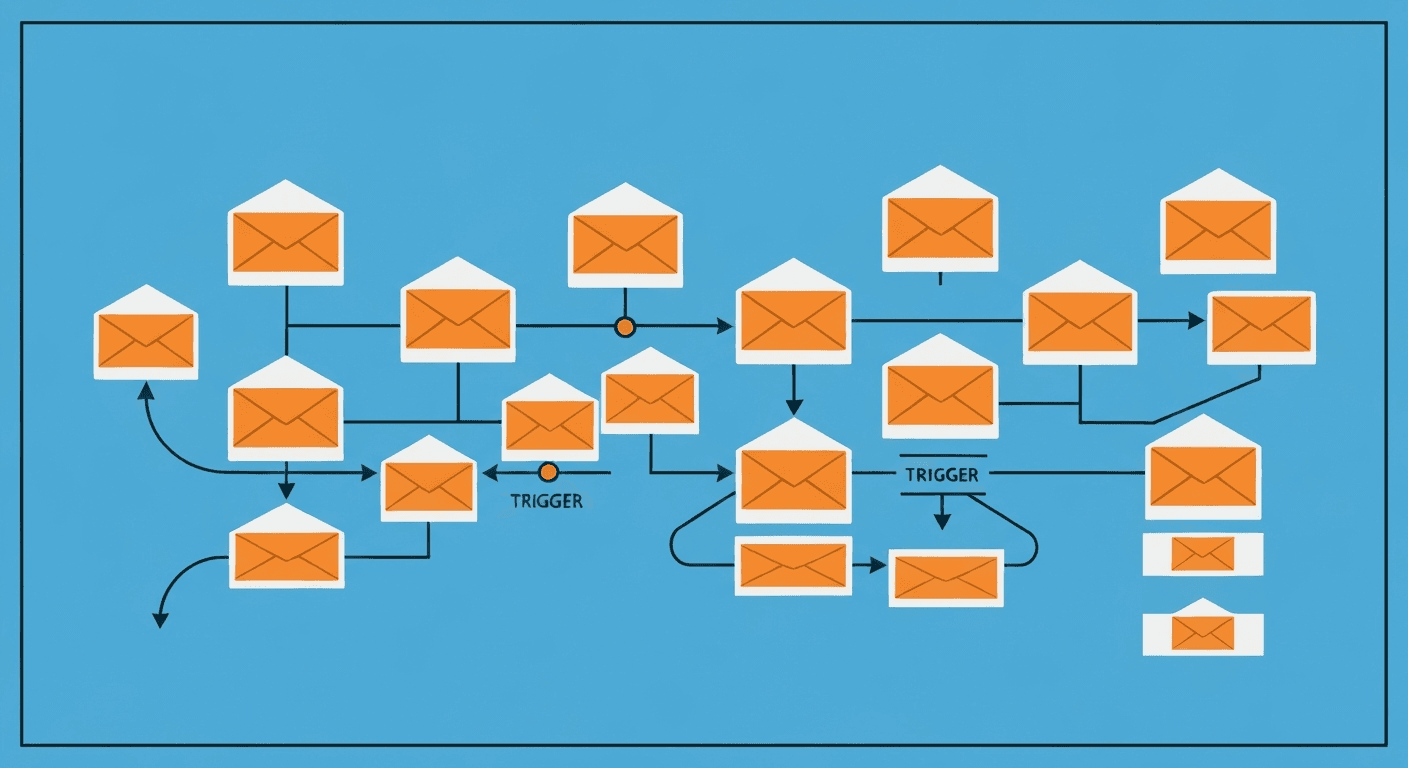
A workflow is a series of automated actions triggered by a specific event or condition. When a prospect takes a defined action, such as downloading a guide, visiting a pricing page, or abandoning a cart, the workflow responds with a pre-planned sequence of steps designed to move that prospect closer to a conversion.
This guide teaches you how to plan, build, and optimize marketing automation workflows that deliver real results.
What Is a Marketing Automation Workflow?
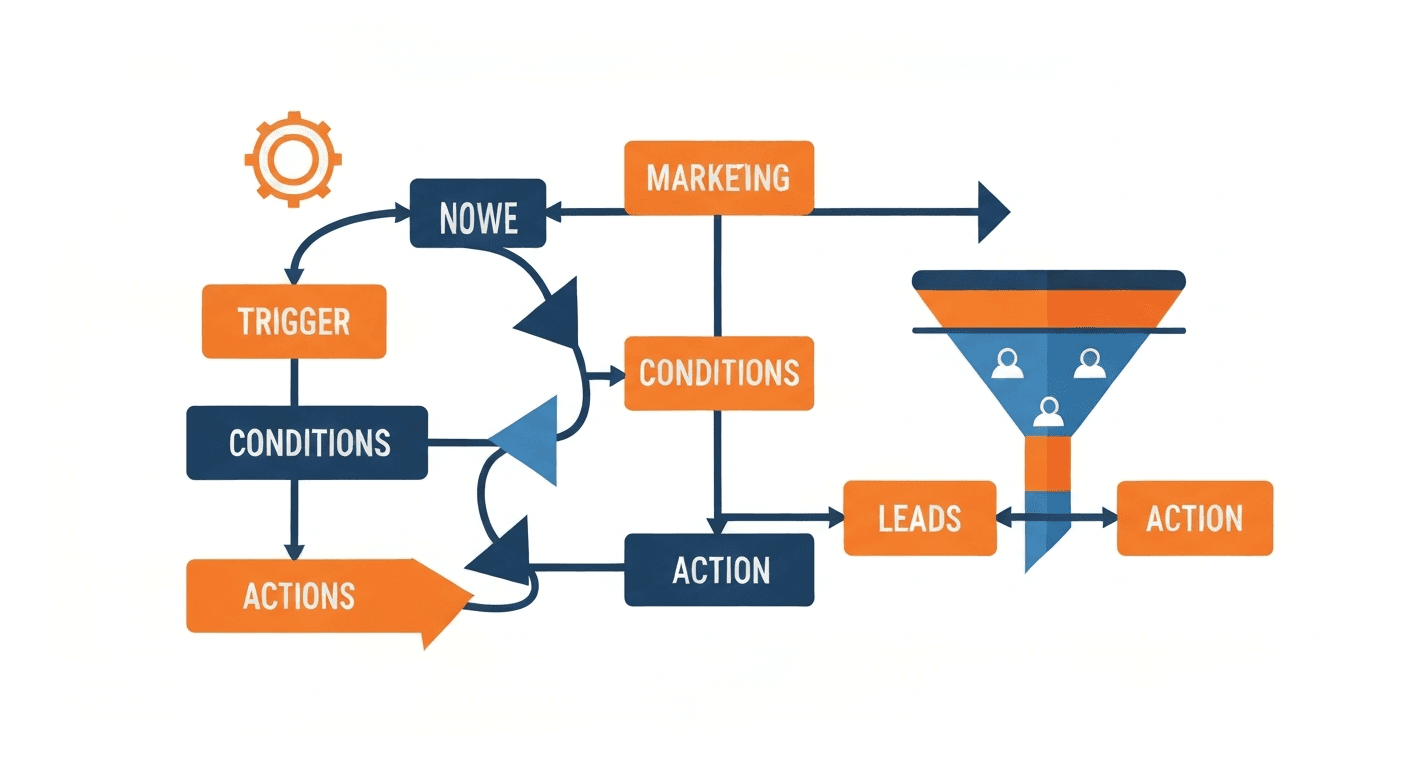
A marketing automation workflow is a predefined sequence of marketing actions that execute automatically based on triggers, conditions, and timing rules. Think of it as a decision tree for your marketing. When event A happens, take action B. If condition C is true, go down path D. If not, go down path E.
Every workflow consists of three core elements:
- Trigger: The event that starts the workflow. This could be a form submission, a purchase, a website visit, a specific date, or a change in a contact property.
- Actions: The steps the workflow performs, such as sending an email, adding a tag, updating a contact field, waiting a specified period, or notifying a team member.
- Conditions: The logic gates that determine which path a contact follows through the workflow. Conditions evaluate criteria like contact properties, engagement history, or lead scores to route contacts through the appropriate branch.
The power of workflows lies in their ability to deliver personalized, timely, and relevant experiences at scale without requiring manual effort for each individual contact.
What Are the Most Effective Marketing Automation Workflows?
While the specific workflows you need depend on your business model, several workflow types have proven effective across virtually every industry.
Lead Nurturing Workflow
The lead nurturing workflow is arguably the most important automation any business can implement. Its purpose is to guide new leads through the consideration process by delivering valuable content that builds trust, demonstrates expertise, and addresses objections.
How it works:
- Trigger: A visitor downloads a lead magnet, such as an ebook, checklist, or whitepaper.
- Immediate action: Send a delivery email with the requested resource and a brief introduction to your brand.
- Wait 2 days: Send a follow-up email with a related blog post or video that expands on the topic of the lead magnet.
- Wait 3 days: Share a case study or testimonial that demonstrates how your product or service solves the problem the lead cares about.
- Condition check: Has the lead visited your pricing page?
- Yes: Send a targeted email inviting them to schedule a demo or consultation, and notify your sales team.
- No: Continue nurturing with two more value-focused emails over the next week, then present a soft call to action.
This workflow ensures that every lead receives consistent, thoughtful follow-up regardless of how busy your team is.
Welcome and Onboarding Workflow
When someone becomes a new customer or subscriber, the onboarding workflow sets the tone for the entire relationship. A strong onboarding experience reduces churn, accelerates time to value, and increases long-term customer satisfaction.
A typical onboarding workflow includes:
- Day 0: Welcome email thanking them for their purchase or subscription and outlining what to expect.
- Day 1: Getting started guide or tutorial that helps them achieve their first success with your product.
- Day 3: Tips and best practices email that deepens their engagement.
- Day 7: Check-in email asking if they have questions or need help, with a link to support resources.
- Day 14: Feature highlight email introducing an advanced capability they may not have discovered yet.
- Day 30: Satisfaction survey or NPS request.
Re-Engagement Workflow
Over time, some contacts inevitably become inactive. A re-engagement workflow identifies these dormant contacts and attempts to win them back before removing them from your active list.
How it works:
- Trigger: A contact has not opened or clicked any email in 90 days.
- Email 1: A "We miss you" email with a compelling reason to re-engage, such as new features, fresh content, or a special offer.
- Wait 5 days: Check if the contact opened or clicked.
- Yes: Move them back to your active nurture sequence and update their engagement score.
- No: Send a second email with a different approach, perhaps a direct question asking if they still want to hear from you.
- Wait 5 more days: Check engagement again.
- Still no response: Remove the contact from your active list or move them to a suppression segment.
This workflow protects your email deliverability by keeping your active list clean while giving inactive contacts a fair chance to re-engage.
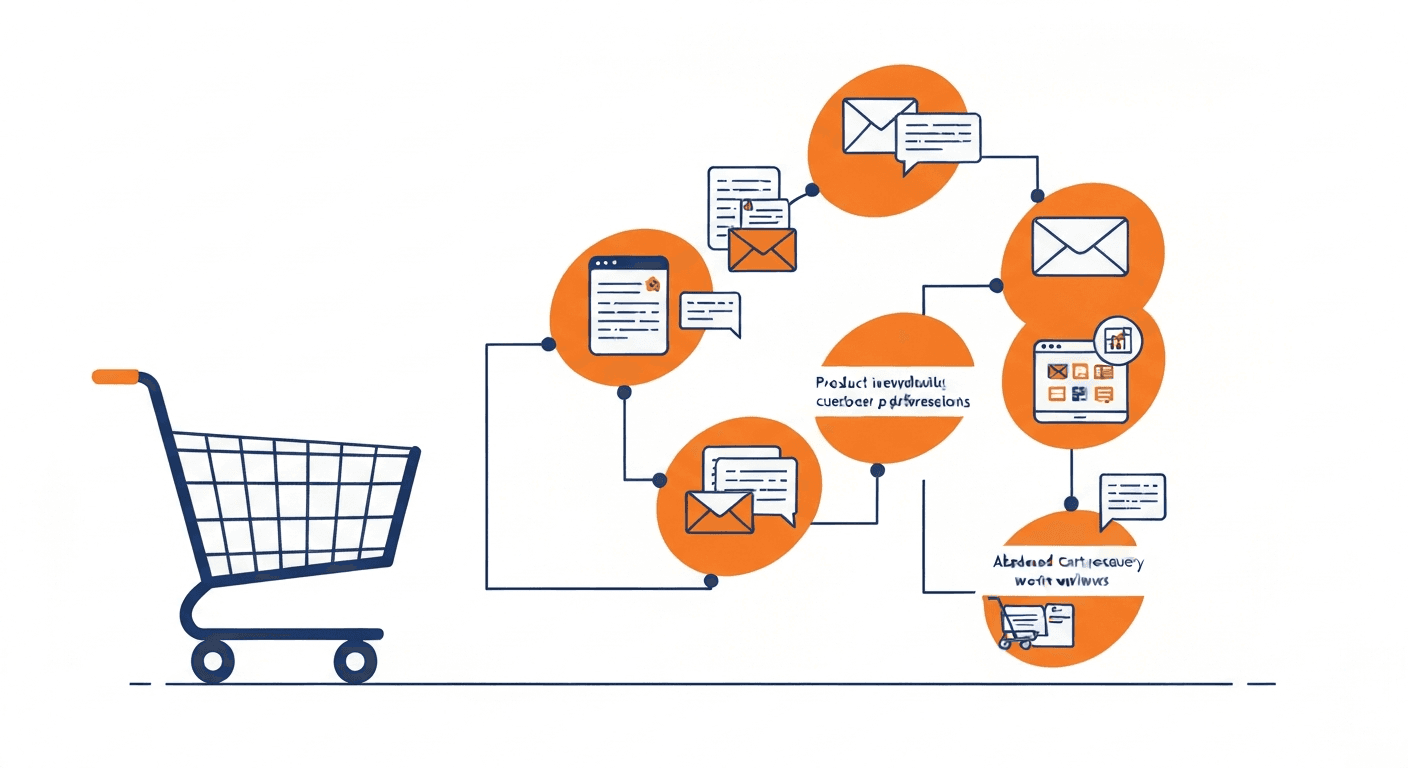
Abandoned Cart Workflow
For e-commerce businesses, the abandoned cart workflow is one of the highest-converting automations available. It targets shoppers who added items to their cart but left before completing the purchase.
A proven abandoned cart sequence:
- 1 hour after abandonment: A friendly reminder showing the items left behind with clear images and a direct link back to the cart.
- 24 hours after abandonment: An email addressing common purchase hesitations, such as return policies, shipping information, or customer reviews of the abandoned products.
- 48 hours after abandonment: A final email with an incentive, such as free shipping or a modest discount, and a sense of urgency.
Important detail: Include a condition that removes contacts from this workflow if they complete their purchase at any point. You do not want a customer receiving a discount offer after they already paid full price.
Event-Based Workflows
Event-based workflows trigger actions based on significant dates or milestones. These are excellent for maintaining ongoing engagement.
Examples include:
- Birthday or anniversary emails with a special offer or personalized message
- Subscription renewal reminders sent 30, 14, and 7 days before expiration
- Milestone celebrations recognizing a customer's first anniversary, 100th purchase, or other achievements
- Seasonal campaign launches timed to holidays, industry events, or product cycles
How Do You Build a Workflow from Scratch?
Follow this step-by-step process to create workflows that are strategic, effective, and maintainable.
Step 1: Define the Goal
Every workflow needs a single, clear objective. Before building anything, answer the question: What specific outcome do I want this workflow to produce? Examples include converting a free trial user to a paid customer, recovering abandoned cart revenue, or reactivating dormant subscribers.
Step 2: Identify the Trigger
Determine the specific event that should start the workflow. The trigger should be directly related to the goal and represent a meaningful moment in the customer journey. Common triggers include form submissions, page visits, purchase events, date milestones, list membership changes, and lead score thresholds.
Step 3: Map the Flow on Paper
Before touching your automation platform, sketch the workflow on paper or a whiteboard. Map out every step, decision point, and possible path. This visual planning process helps you identify gaps, redundancies, and logical errors before you invest time in building.
Include in your sketch:
- Each email or action with a brief description of its content and purpose
- Wait times between steps
- Condition branches with clear criteria
- Exit conditions that remove contacts from the workflow when appropriate
Step 4: Write the Content
Create all the emails, notifications, and other content your workflow requires. Write each piece with its specific position in the workflow in mind. The tone and content of the first email in a nurture sequence should be different from the fourth. Each message should build on what came before and set up what comes next.
Step 5: Build and Test
Implement the workflow in your automation platform. Then test it thoroughly before activating it for your full audience. Most platforms allow you to add a test contact and send them through the workflow. Verify that every trigger fires correctly, every condition evaluates properly, every email sends as expected, and every wait time behaves as intended.
Step 6: Activate and Monitor
Launch the workflow and monitor its performance closely during the first few weeks. Watch for unexpected behavior, low engagement on specific emails, or drop-off points where contacts are exiting the workflow prematurely. Use these observations to make targeted improvements.
What Are the Best Practices for Marketing Automation Workflows?
These best practices separate high-performing workflows from mediocre ones.
Keep Workflows Focused
Each workflow should serve one clear purpose. Resist the temptation to build mega-workflows that try to handle every scenario. Multiple focused workflows are easier to manage, test, and optimize than a single complex one.
Use Wait Steps Strategically
The timing between actions matters as much as the actions themselves. Space your communications appropriately to avoid overwhelming contacts. For most workflows, waiting two to four days between emails strikes the right balance between staying top of mind and respecting the recipient's inbox.
Include Exit Conditions
Every workflow should have clear exit conditions that remove contacts when they have achieved the goal or are no longer appropriate for the sequence. A lead who schedules a demo should exit the nurture workflow. A customer who completes a purchase should exit the abandoned cart workflow.
Personalize Beyond First Name
Use the data available in your platform to personalize content based on behavior, interests, demographics, and engagement history. Referencing specific pages a contact visited, products they viewed, or content they downloaded makes your automated messages feel genuinely personal rather than generic.
Test and Optimize Continuously
Treat every workflow as a living system. A/B test subject lines, email content, send times, and wait durations. Even small improvements in open rates or click-through rates compound over time as thousands of contacts pass through the workflow.
Document Your Workflows
Maintain clear documentation for every workflow you build, including its purpose, trigger, steps, conditions, and performance benchmarks. This documentation is invaluable when onboarding new team members, troubleshooting issues, or planning optimizations.
How Do You Measure Workflow Performance?
Track these metrics for each workflow to evaluate its effectiveness:
- Completion rate: What percentage of contacts who enter the workflow reach the final step?
- Conversion rate: What percentage of contacts achieve the workflow's intended goal?
- Email engagement: What are the open rates and click-through rates for each email in the sequence?
- Drop-off points: Where are contacts exiting the workflow before completion?
- Time to conversion: How long does it take for contacts to achieve the goal after entering the workflow?
- Revenue attribution: How much revenue can be directly attributed to this workflow?
Review these metrics monthly and use the insights to prioritize optimization efforts on the workflows and individual steps with the greatest room for improvement.
Building effective marketing automation workflows is both an art and a science. The strategic thinking and creative content represent the art. The triggers, conditions, and data analysis represent the science. Master both, and your automation workflows become one of the most valuable assets in your entire marketing operation.
Harry Harrison
Founder & Editor, Easy Automation
Tech-forward B2B writer and content strategist focused on marketing and finance automation.